Colour & draw
Make it yours.
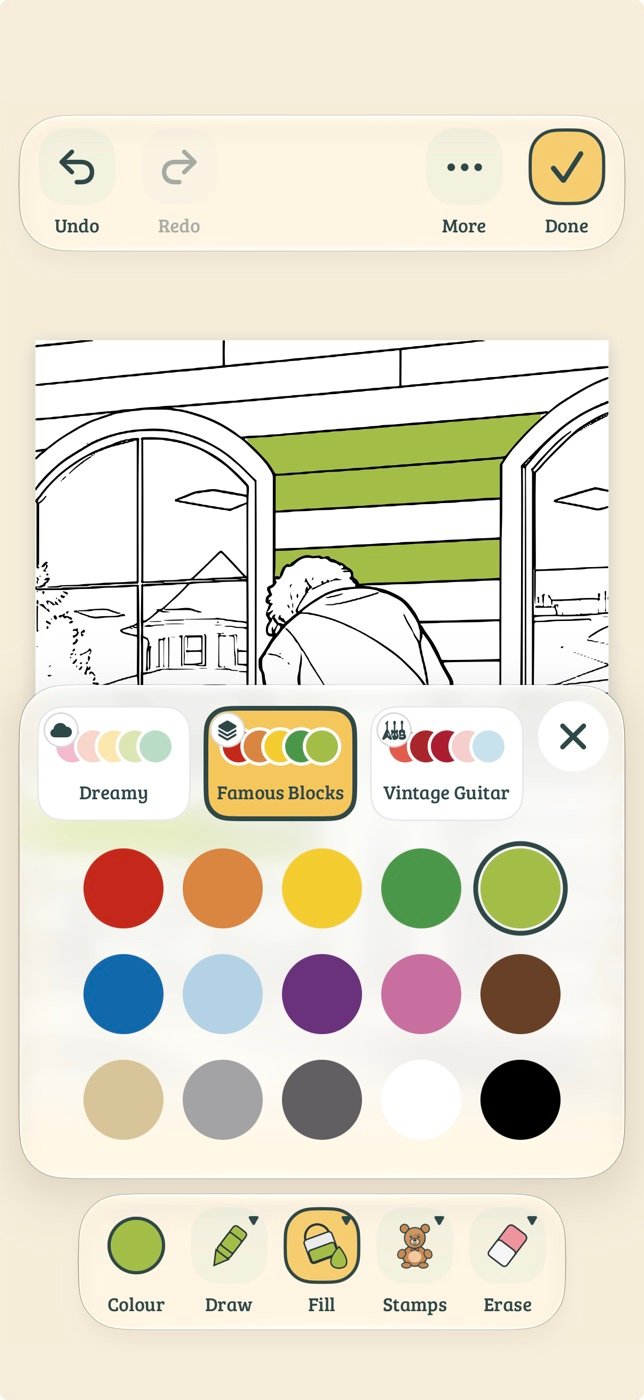
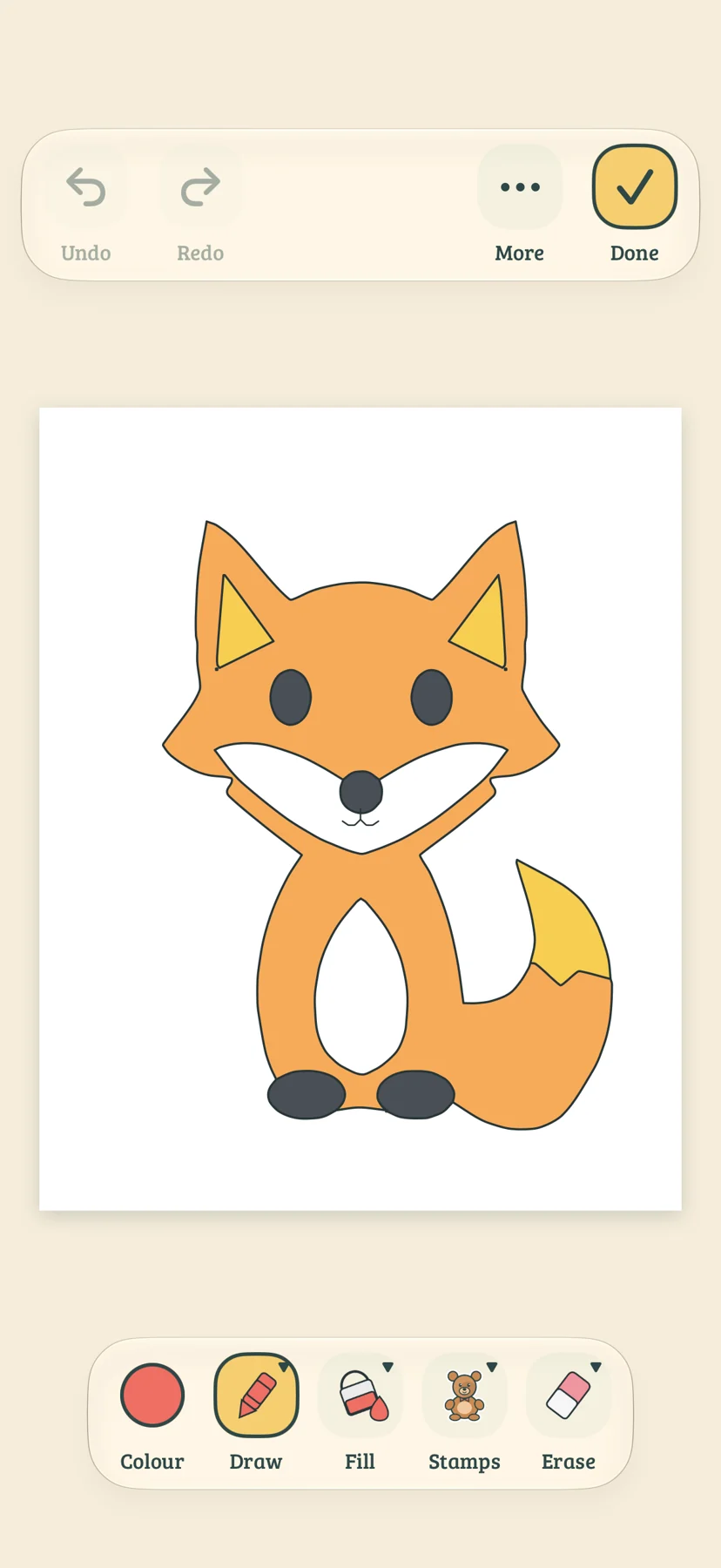
Draw, fill and colour with a choice of brushes, colouring assists and custom palettes. Decorate with stamps and stickers, or draw in mirror mode. Undo is always close by.
A creative studio for iPhone & iPad
A favourite toy. A flower from your walk. An idea that needs a page. Turn the things you love into something you can colour, draw, print and make.
Coming to the App Store · One purchase, no subscription
Photos converted on your device
No accounts or ads
Make offline, print when ready
From your camera to your crayons
Import a photo or take one with the guided camera. Choose simple, balanced or detailed outlines, and keep the subject, the full scene or both.
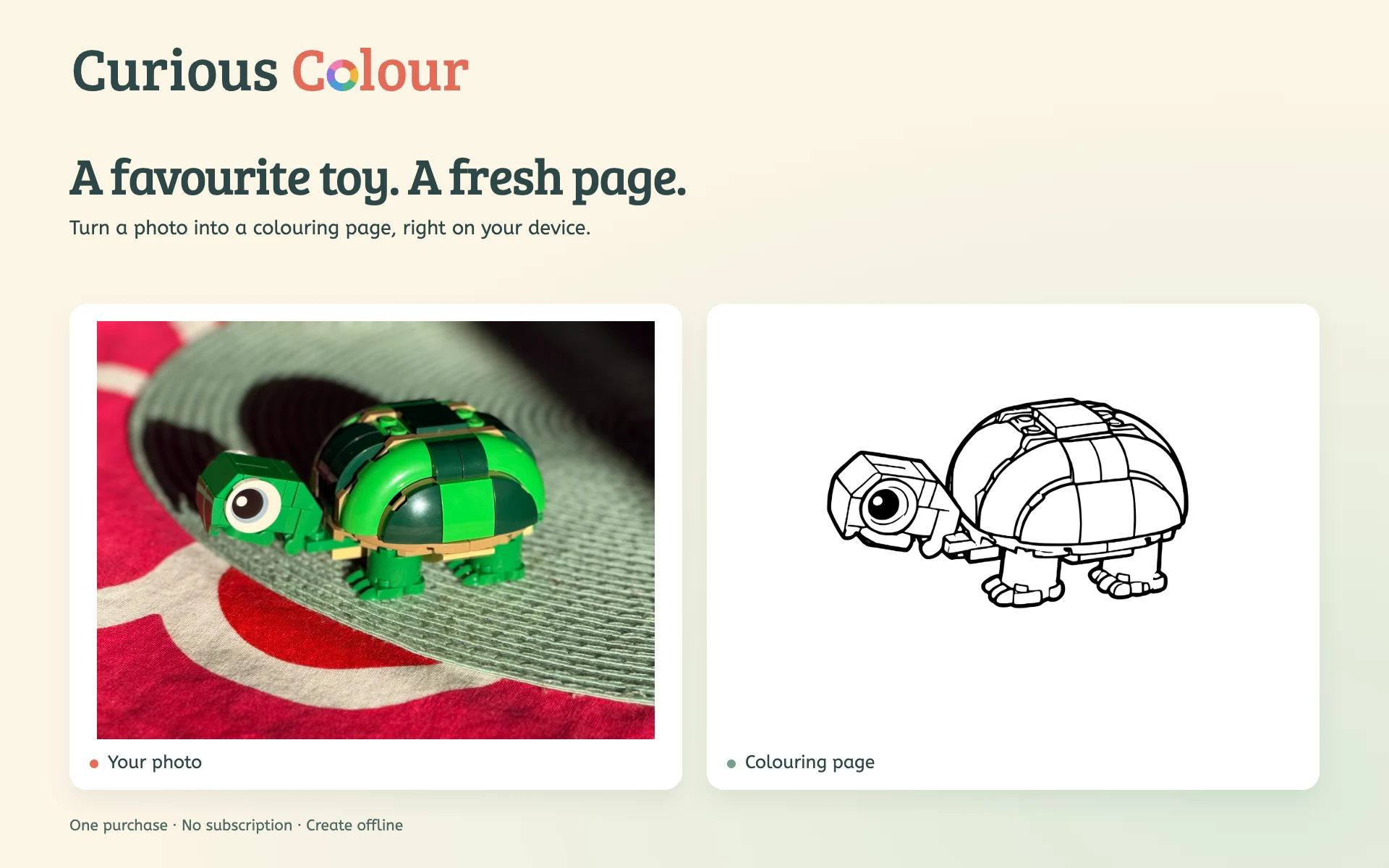
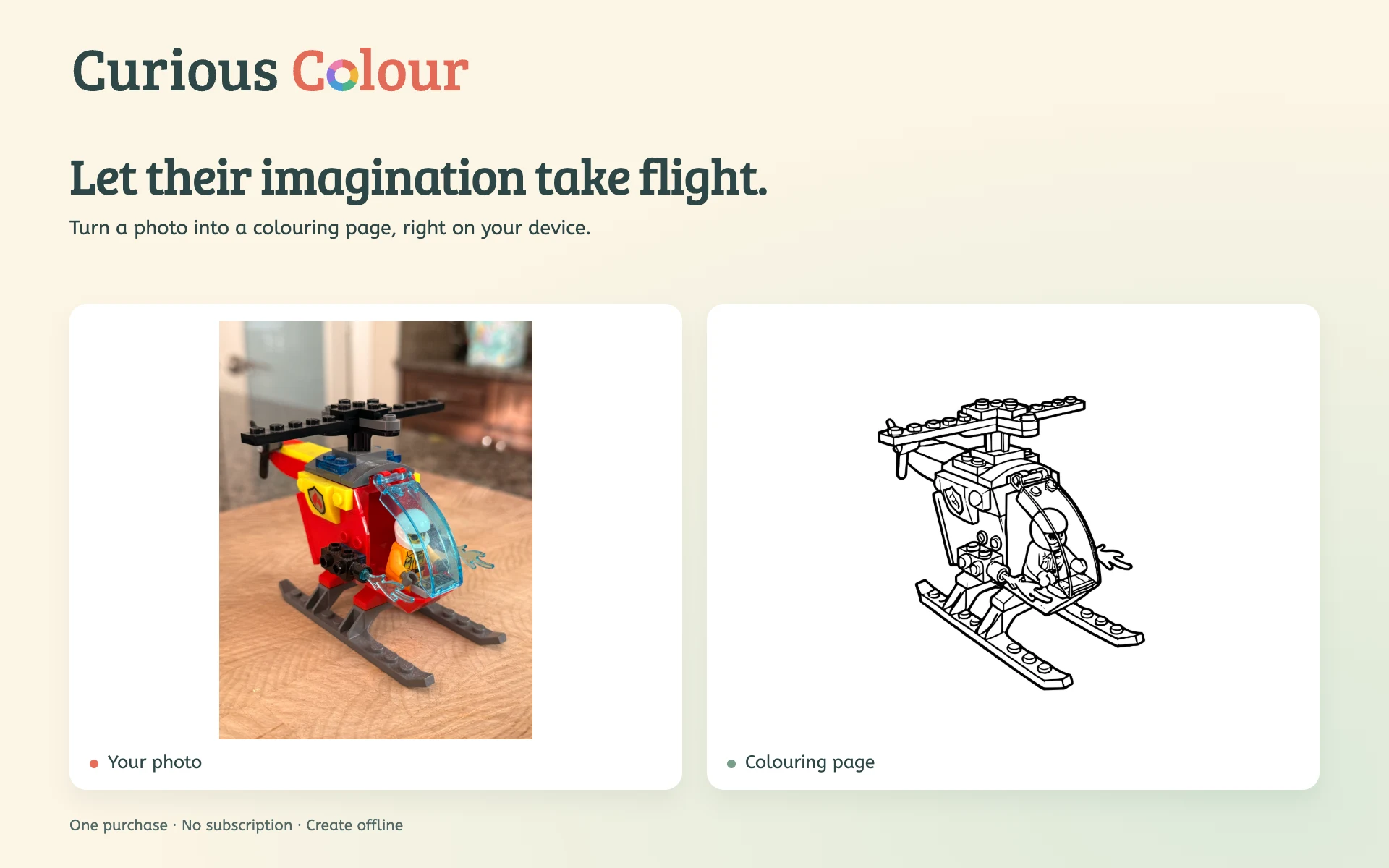
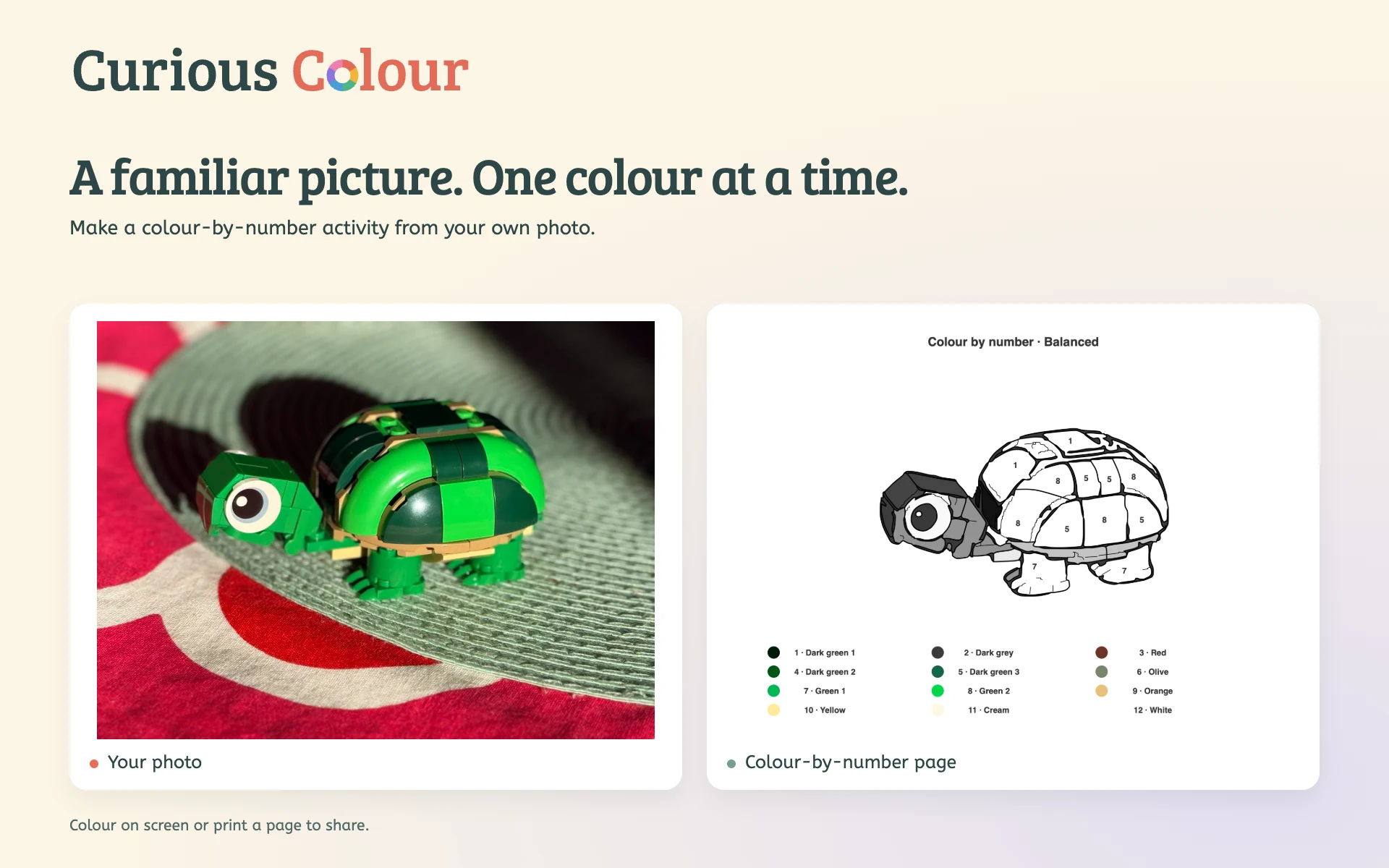
Actual photo conversions. Results vary with the photo, detail setting and device.
Follow your curiosity
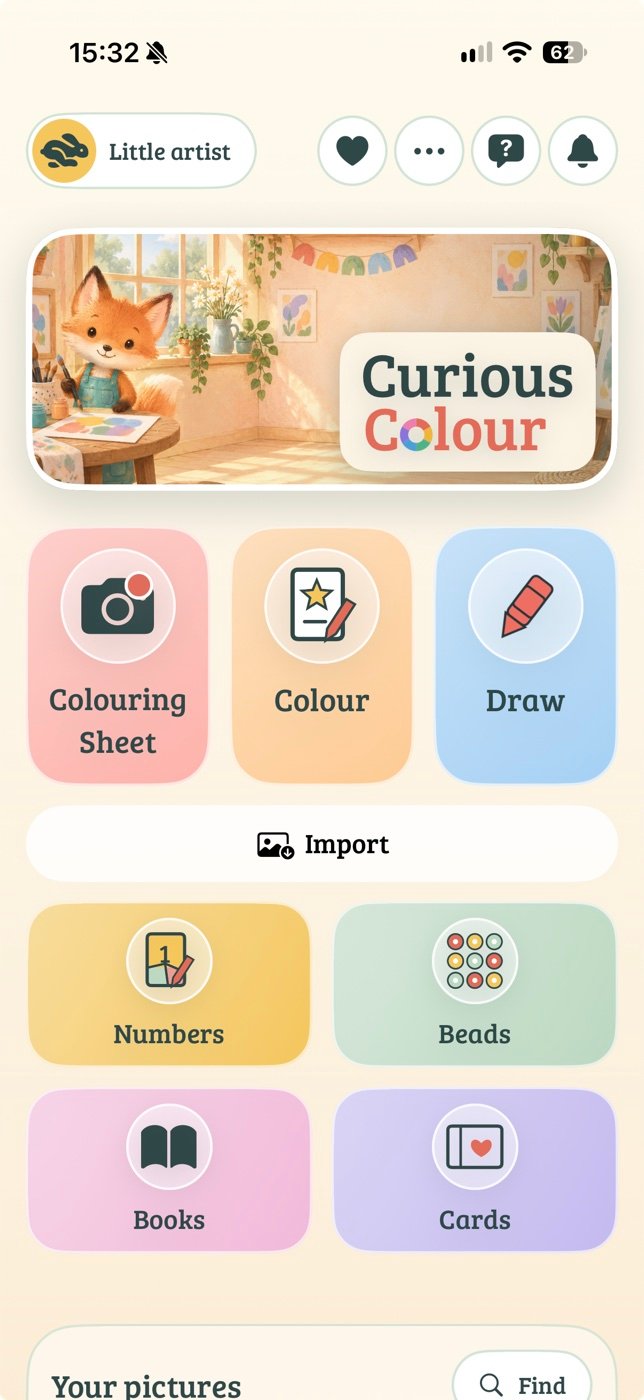
Start with a photo, a blank page or a picture from your library. Keep it simple or spend time on the details.
Draw, fill and colour with a choice of brushes, colouring assists and custom palettes. Decorate with stamps and stickers, or draw in mirror mode. Undo is always close by.
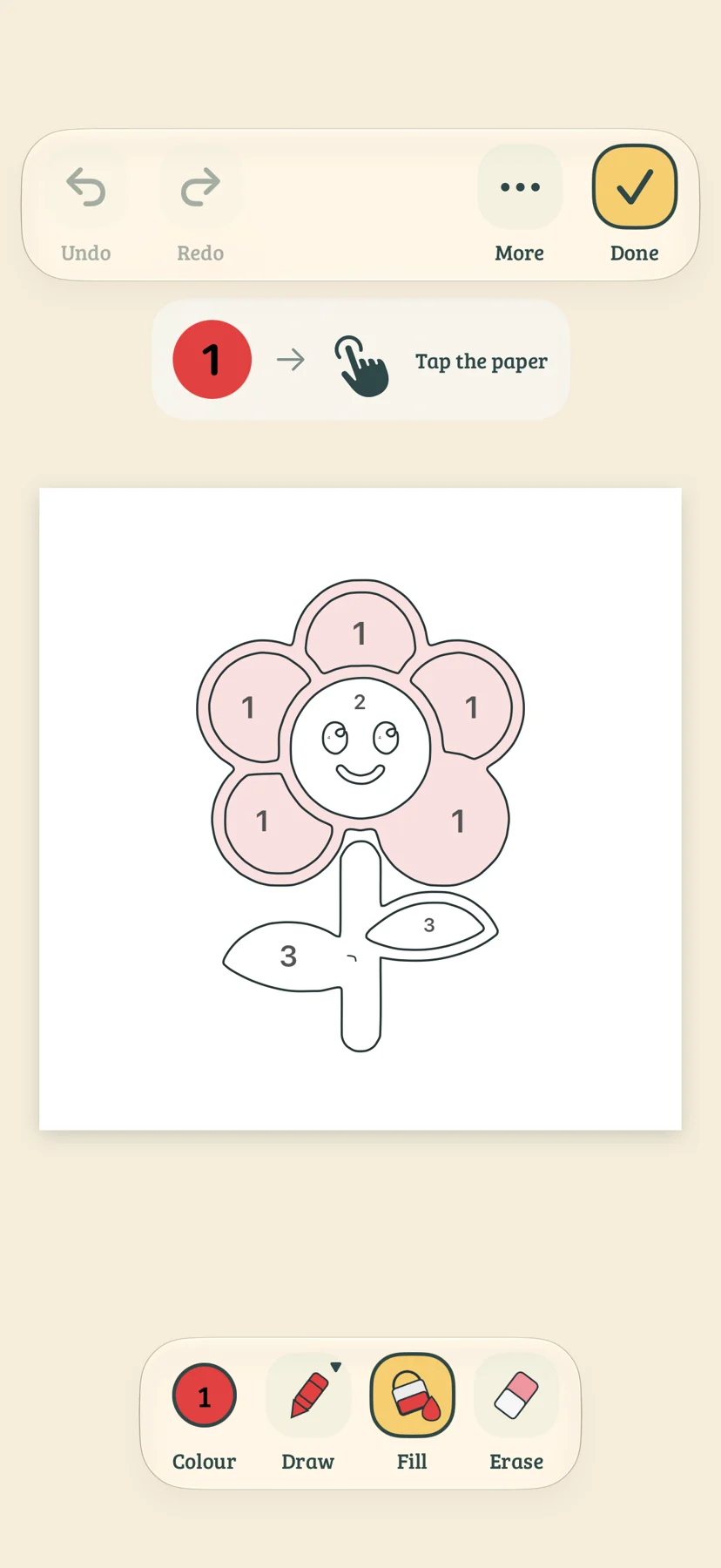
Follow a number key, try a new palette and watch the picture come together. Print a fresh page for another go.
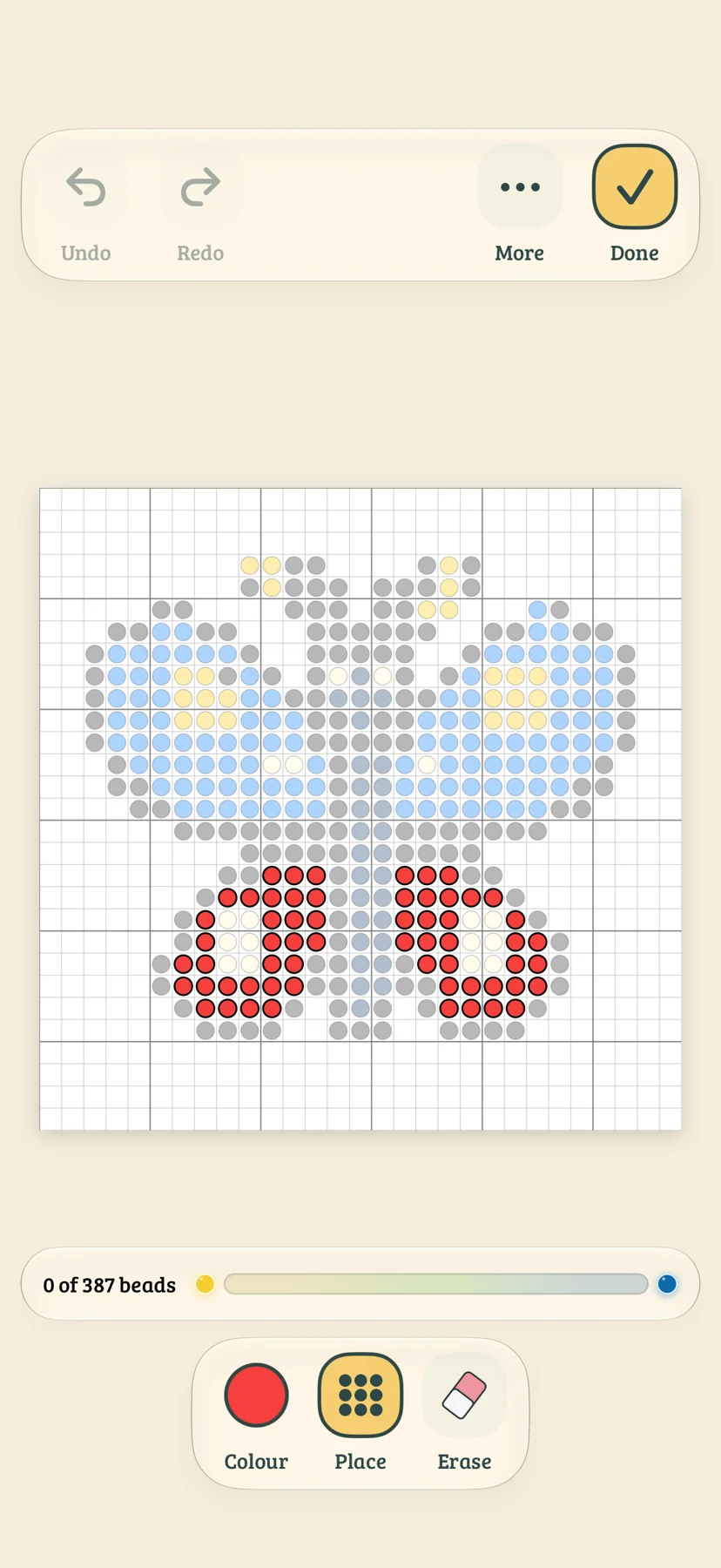
Build a pattern, swap its bead colours and choose a size that fits your project. Follow it on screen or print a guide.
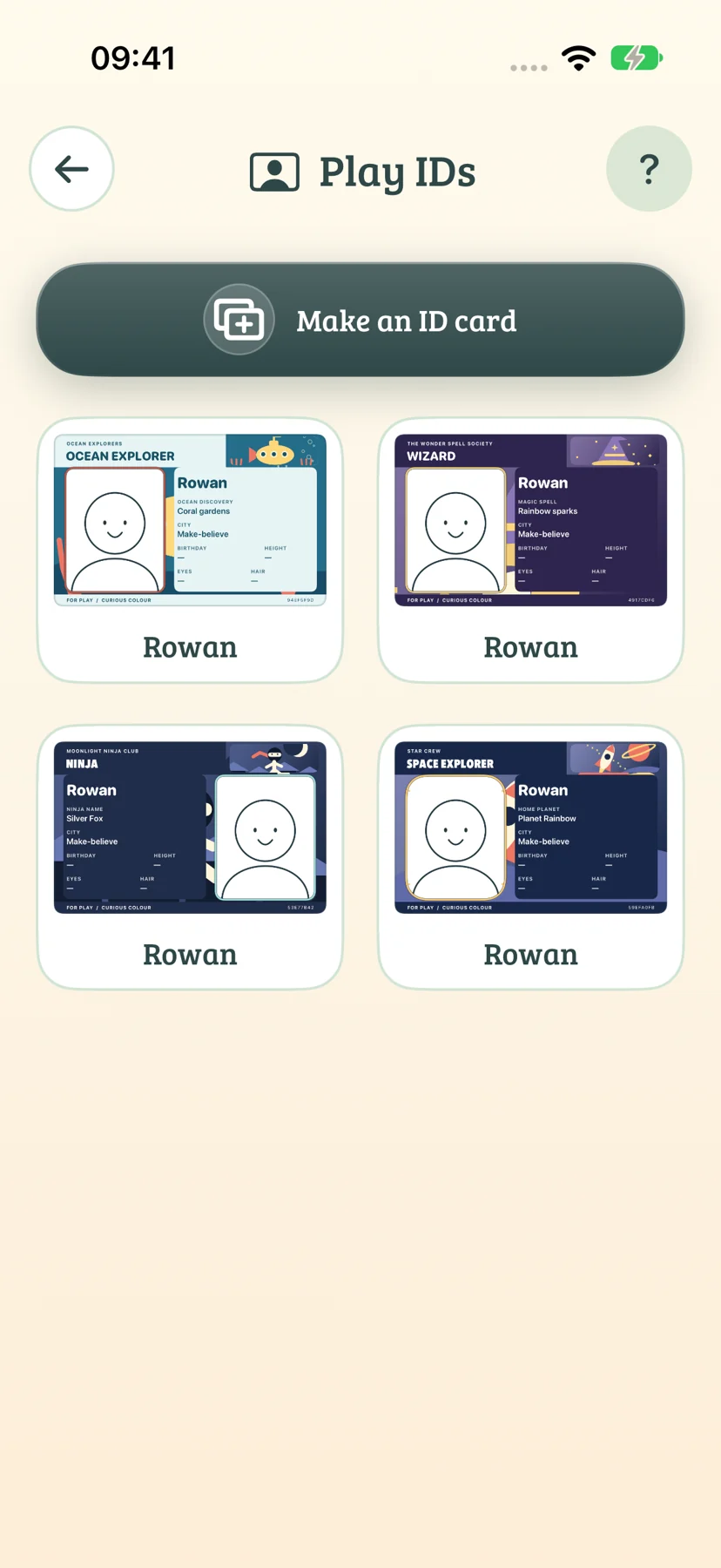
Space explorer, ninja, wizard or someone entirely your own. Choose an illustrated adventure, add a character or colouring portrait, then make your card.
A little time together
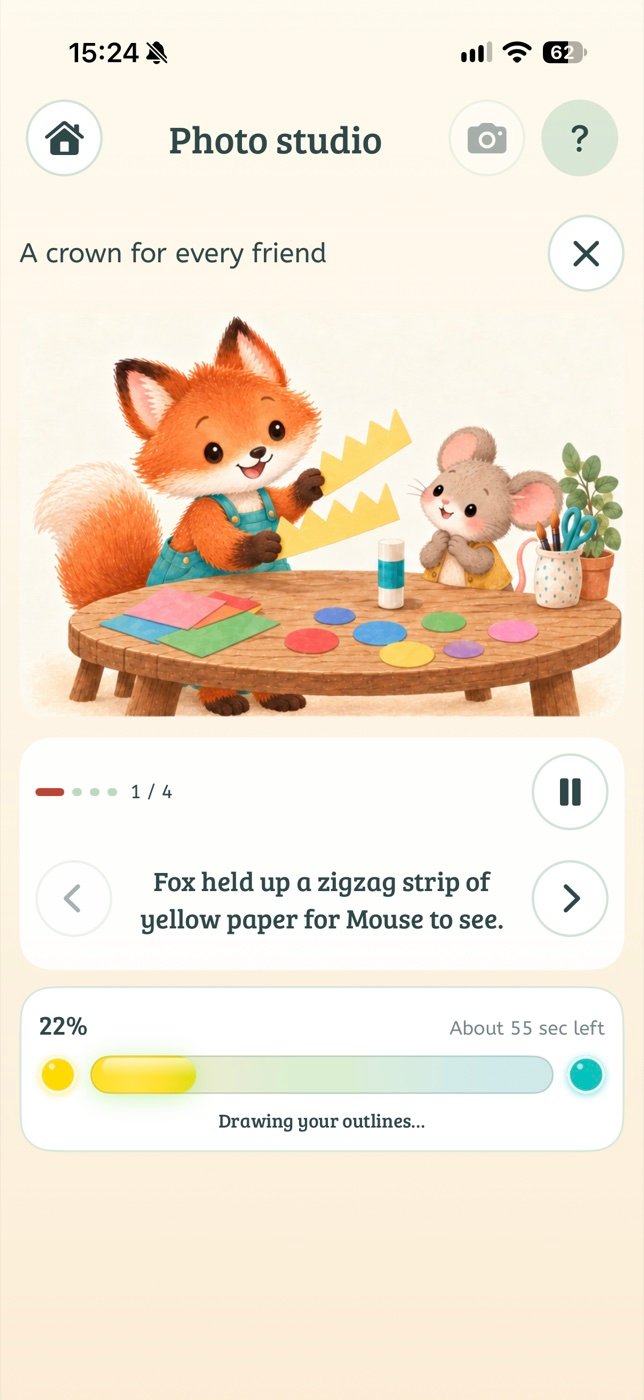
Read with Fox and friends while your photo takes shape.
Short illustrated stories and conversation questions give you something to enjoy together while the app works. There is no rush to the last page: finish reading, then tap Ready!
Room to grow
Big picture choices offer an easy place to start. More detailed drawings, custom palettes and craft projects give older makers plenty to explore.
Designed and tested with kids, with room for curious people of many ages. Local artist profiles give each child their own space for pictures and projects, without online accounts.
Young children can create with an adult nearby. An adult helps with device permissions, printing and sharing.
Keep making, off screen
Gather pictures into colouring books and activity books. Make birthday and holiday cards, bookmarks, play IDs and pretend passports. Export PDF, JPEG or PNG files, share with AirDrop, or print a fresh page with AirPrint.
A grown-up handles scissors, small beads and heating. Follow the craft materials’ age limits and instructions.
Less organising. More making.
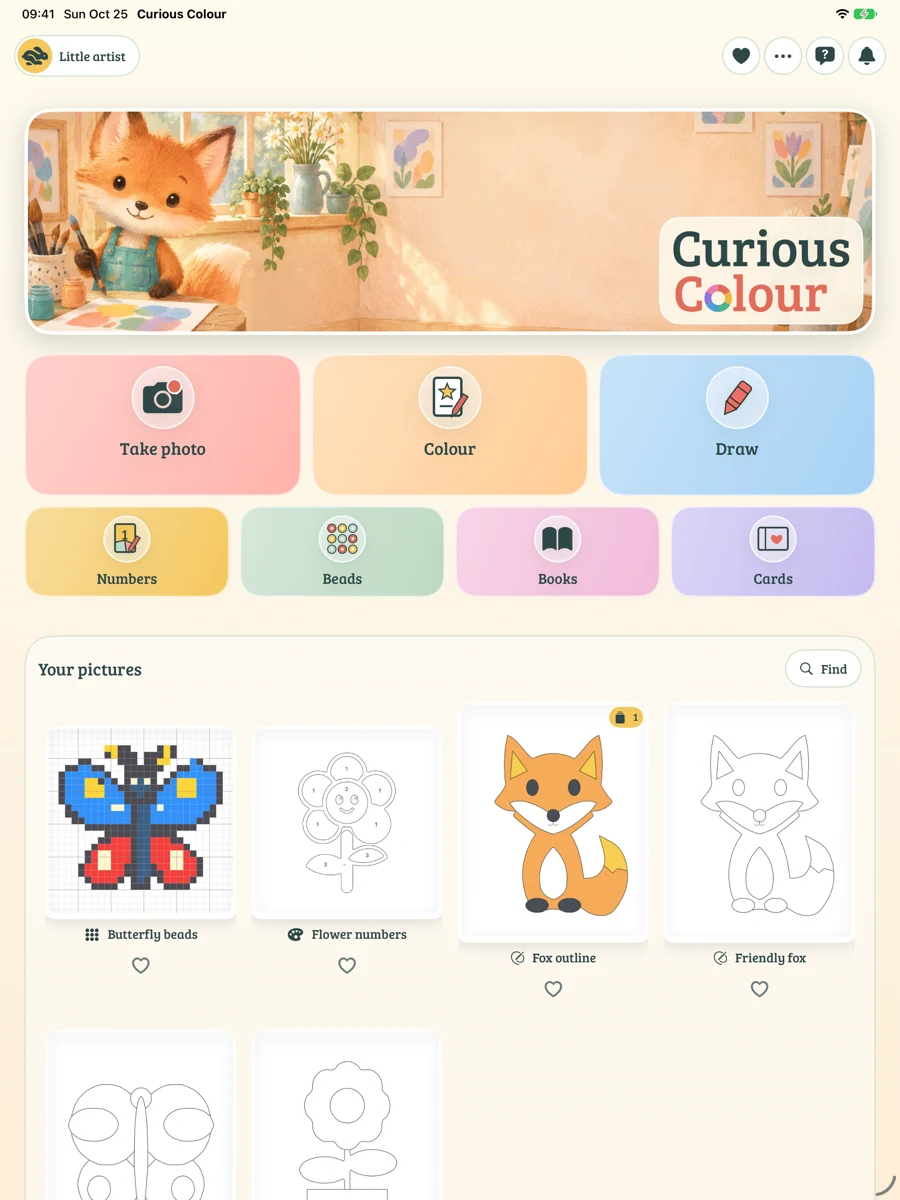
Choose up to 30 photos, set the activity and detail, then let Curious Colour work through them. Finished pictures are saved together in a collection, ready for siblings or a classroom.
Find favourites, browse collections and keep versions together. Back up your Curious Colour library across activities, then restore it or add its pictures on another device using the backup file.
Refine a conversion, simplify a pattern, choose bead colours or use colouring assists for small spaces. An optional parent passcode lets adults protect grown-up actions.
Your pictures stay yours
Photo conversion happens on the iPhone or iPad. Nearlight does not receive your photos, artwork or activity library. There are no online accounts, ads, tracking SDKs or public galleries.
You choose when to export, print or share. Files you export and system backups follow the settings and privacy practices of the destination you choose.
Read the privacy policy
Coming to iPhone and iPad. One purchase, with no subscription or in-app purchases.